
Photo Printing or Photo Developing? A Complete Guide to Taiwan's Top 5 Common Photo Printing Services and Image Output Technologies

Weiss Sister's 3-Minute Core Introduction
Did you know that the principles behind "developing" photos at a traditional photo lab and "printing" photos at a convenience store are completely different? From chemical development to the physical layering used in million-dollar museum equipment, the world of image output is full of magic. This article will use the simplest analogies to debunk myths, deeply analyze "traditional darkroom printing, laser, inkjet, and dye-sublimation" technologies, and summarize the common sizes and public reviews of each technology. Finally, it includes a "one-sentence material selection guide" to help your images find their most suitable physical home.
Debunking the Myth: What's the Difference Between "Developing" and "Printing" Photos?
This is definitely the ultimate question that confuses most people! Simply put, the biggest difference between the two is: "whether they are soaked in chemicals" and "whether the paper itself is photosensitive"! Let's use everyday analogies to explain it:
1. Photo Developing (Traditional Silver Halide Processing): Like "Baking Cookies"
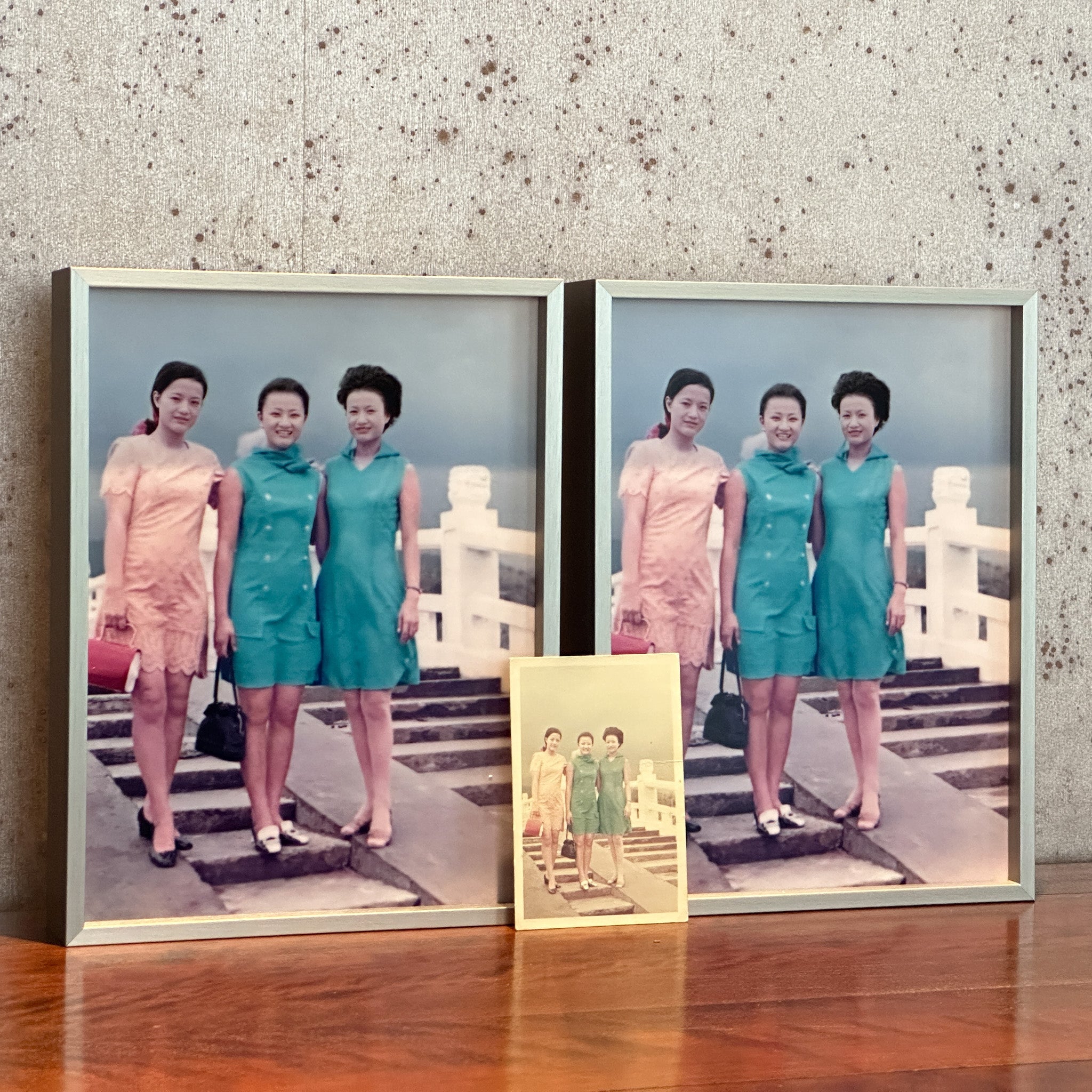
Traditional photo labs use "photosensitive paper" containing chemical substances. After the image file is exposed onto the paper with a laser, the paper must be sent through a machine to be continuously soaked in several stages of chemical solutions (developer, fixer). Because it's a chemical reaction, the image magically emerges from within the paper.
- Common Printable Sizes: Includes 1-inch, 2-inch passport photos, and everyday photos from 4x6, 5x7 to large enlargements of 20x30 inches.
- Public Quality Feedback: "Irreplaceable photo warmth and classic colors." Customers generally report that traditional photos have high color saturation and are fade-resistant. Although delivery can take hours to days, for formal ID photos or the warmth of flipping through a physical photo album, it remains an indispensable classic choice.
2. Photo Printing (Digital Output): Like "Drawing with a Pen"
The substrate for digital output (such as cotton paper, canvas, metal panels) itself is a "non-photosensitive" inert material. The printer is like holding an extremely precise colored pen (ink or toner), using physical layering to "apply or print" colors onto the surface of the substrate. Since no chemical soaking is required, it can be printed on various absorbent or non-absorbent materials.
| Comparison Item | Photo Developing (Traditional Silver Halide Processing) | Photo Printing (Digital Output) |
|---|---|---|
| Paper Itself | "Photosensitive paper" that's sensitive to light | Regular paper, cotton paper, metal panels that are not sensitive to light |
| How Colors are Made | Soaked in chemical solutions, a chemical reaction emerges from within | Ink, toner applied externally, physical layering |
| Image Structure | Continuous tone (no half-tone dots) | Composed of tiny half-tone dots (top-tier giclée is so fine it's invisible to the naked eye) |

A Comprehensive Analysis of 3 Major "Digital" Image Output Technologies
After understanding traditional "developing" photos, let's look at modern mainstream "printing" photos. Digital image output primarily consists of the following three technologies. Understanding their operating principles and market evaluations will help you choose the most suitable medium for your work.
1. Inkjet Prints: The Polarization of Micro-Art and Commercial Advertising
The printer's printhead does not directly contact the paper, but rather "sprays" millions of extremely fine ink droplets onto the substrate from a distance. This technology presents two completely different forms of application:
-
Giclée:
- Common Sizes: Depends on the printer's roll width, can print from A5 to large exhibition sizes.
- Public Quality Feedback: "Flawless reproduction of original details, quality that borders on obsession." Uses up to 12 colors of pigment ink and a variety of papers, with delicate color gradations, certified to last over a hundred years. Disadvantages include high cost, extremely slow printing speed, and delicate paper that is prone to scratches and moisture.
-
Large Format Printing:
- Common Sizes: Extremely large sizes, machine widths can range from 150 cm to even 510 cm, all done in one go.
- Public Quality Feedback: "Resistant to wind and sun, extremely weather-resistant." Uses oil-based or UV latex inks, offering excellent waterproofing and sun protection. However, because it's mainly for distant viewing (e.g., exhibition backdrops), close up there will be obvious halftone dots, making it unsuitable for image works that demand extreme microscopic detail.
2. Electrophotography/Laser Printing: The Instant Magic of Efficiency
Laser printers do not use liquid ink, but rather "toner." They use a laser beam and high heat to "fuse" the toner onto the paper surface.
- Common Sizes: Convenience stores (ibon) commonly offer A4, A3 documents and 4x6 inch postcards; commercial gang run printing covers everything from business cards to various posters.
- Public Quality Feedback: "Suitable for documents, highly not recommended for photos." Netizens widely report noticeable toner dots, making printed photos prone to distortion and blur, and officials explicitly state it's not suitable for strict ID applications. While commercial gang run printing is cheap, there's often about a 10% risk of color variation. The biggest advantages are its widespread availability and speed, making it suitable for urgent needs. Also, be aware that toner can soften easily in hot and humid environments, causing photos in albums to stick together.
3. Dye Sublimation: Invincible Protection Deep Within the Coating
Dye sublimation does not "print" the pigment on the surface, but instead uses high temperature and pressure to instantly transform solid pigment into a "gaseous state (sublimation)," injecting it directly into the interior of a special receiving layer.
- Common Sizes: Commercial machines in convenience stores mostly offer 4x6, 6x8 inches and arranged ID photos; top-tier metal prints can cover various large sizes for home decoration.
- Public Quality Feedback: "Excellent image quality, highly recommended as the top choice for convenience store photo printing." Because the pigment gasifies and transfers, it achieves smooth continuous tones without halftone dots. Photos printed at convenience stores even come with a transparent protective film that is waterproof and fingerprint-resistant, with a texture very similar to traditional photo labs.
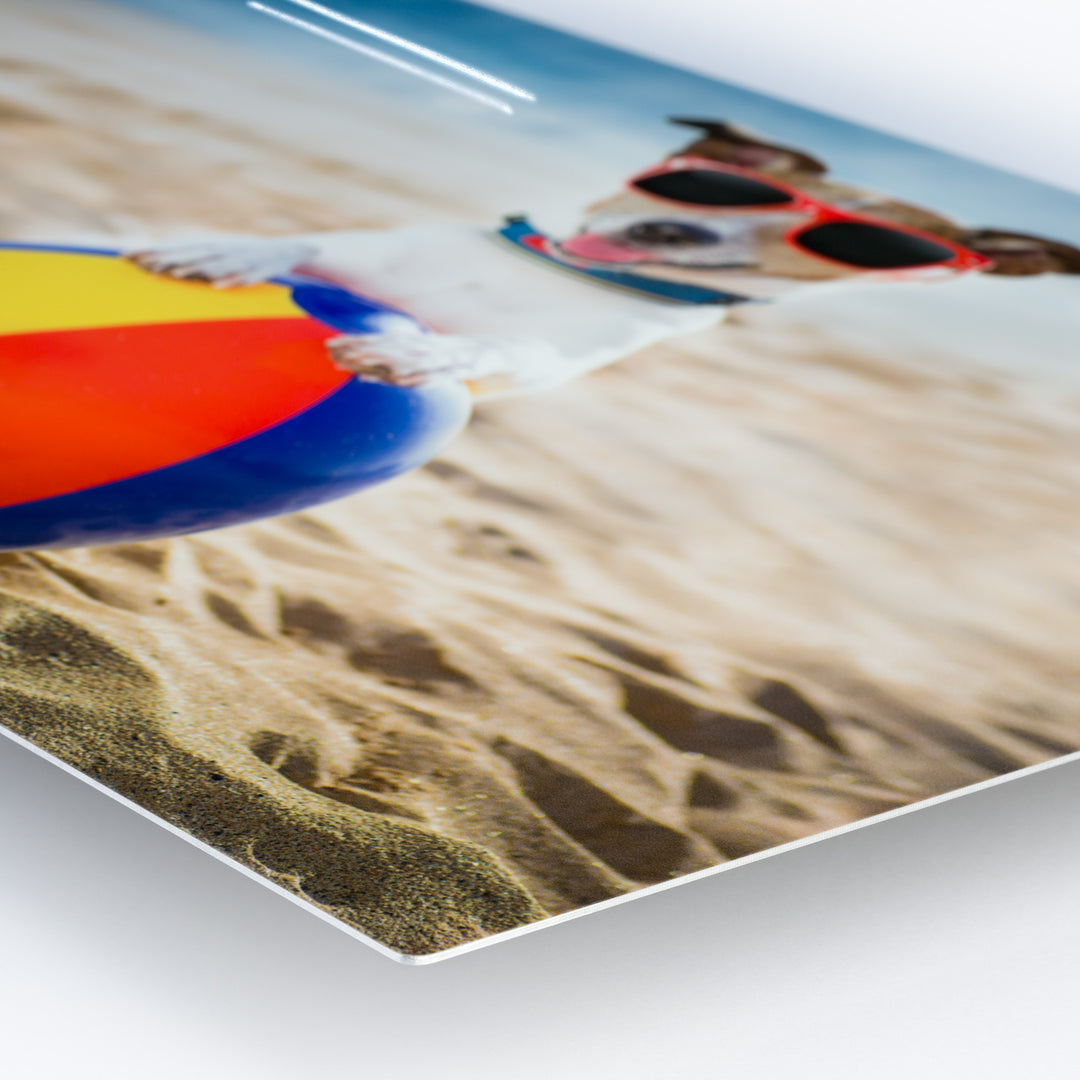
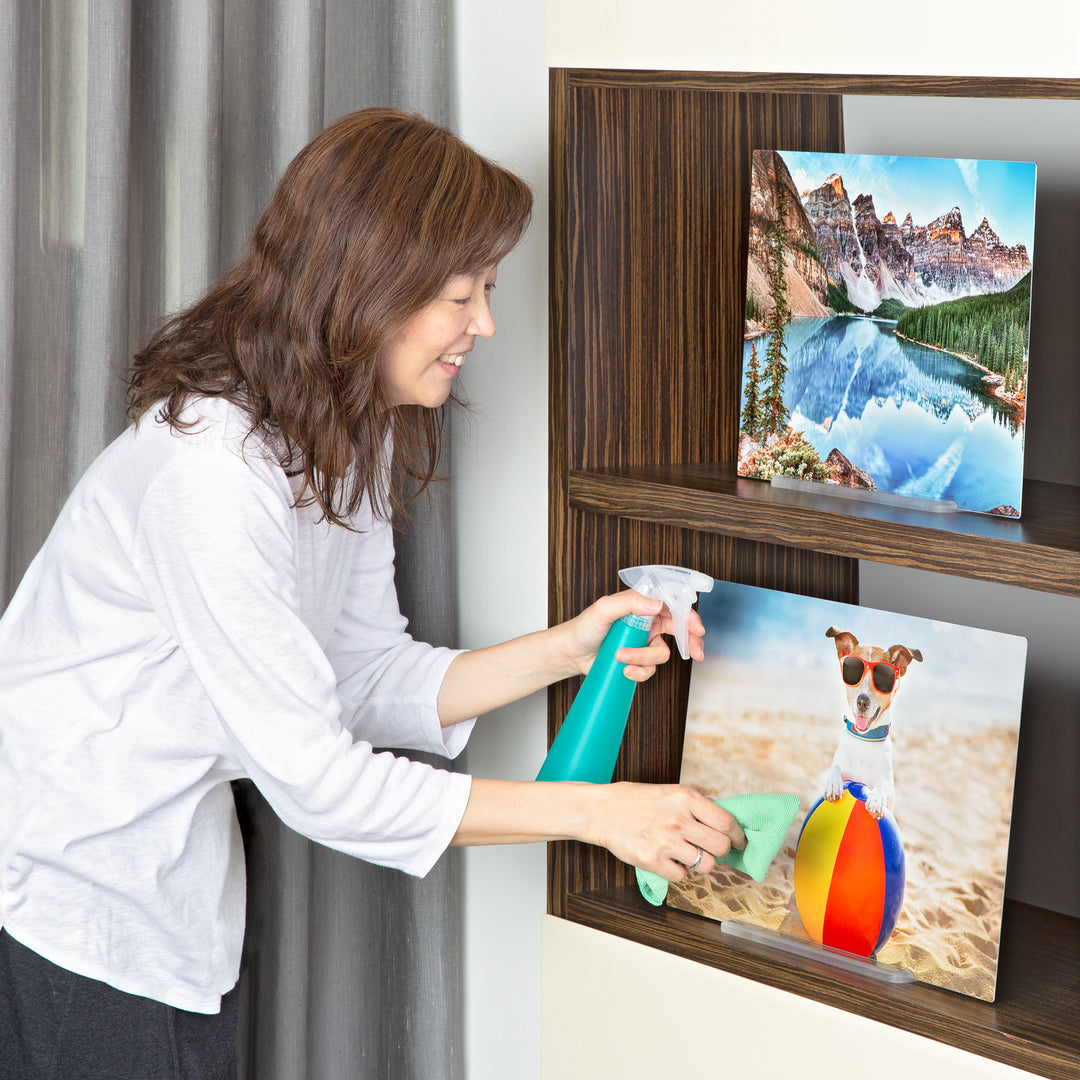
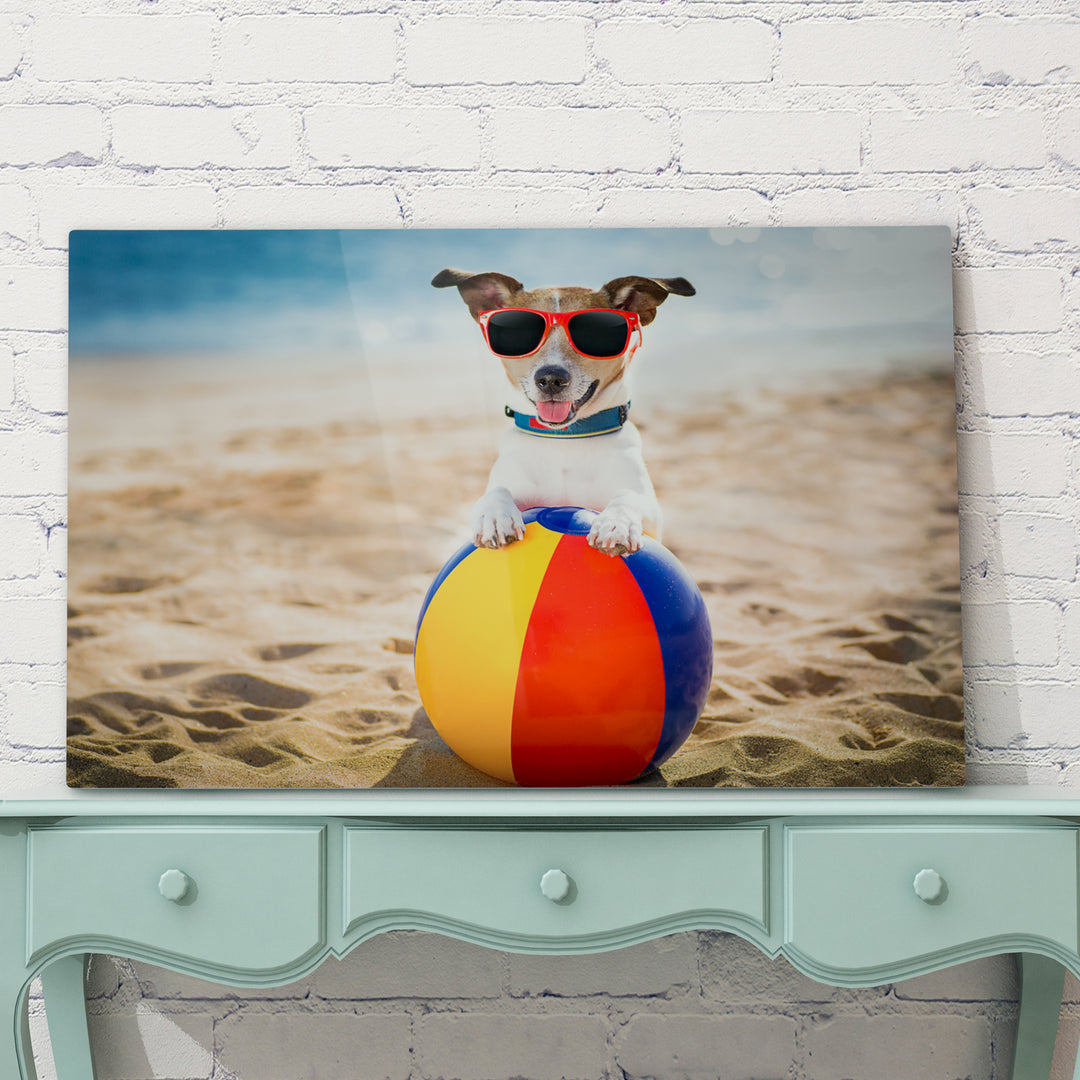
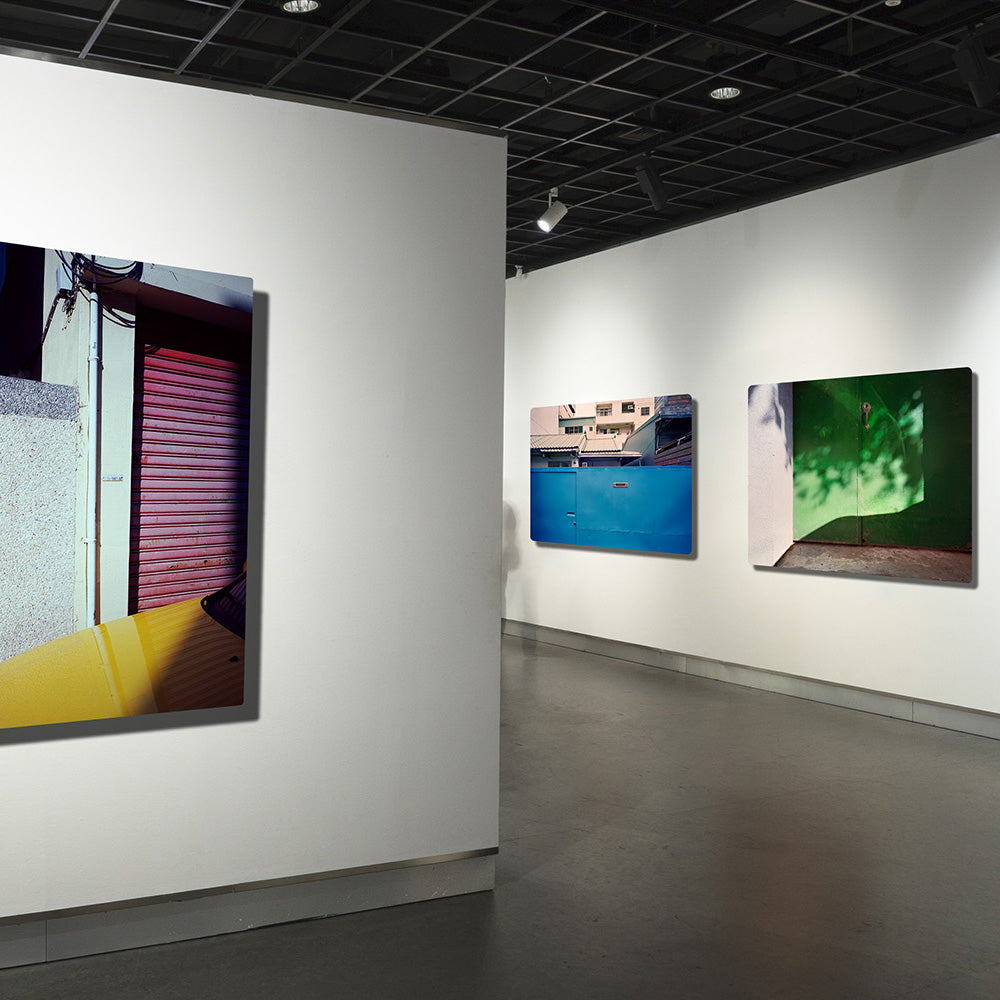
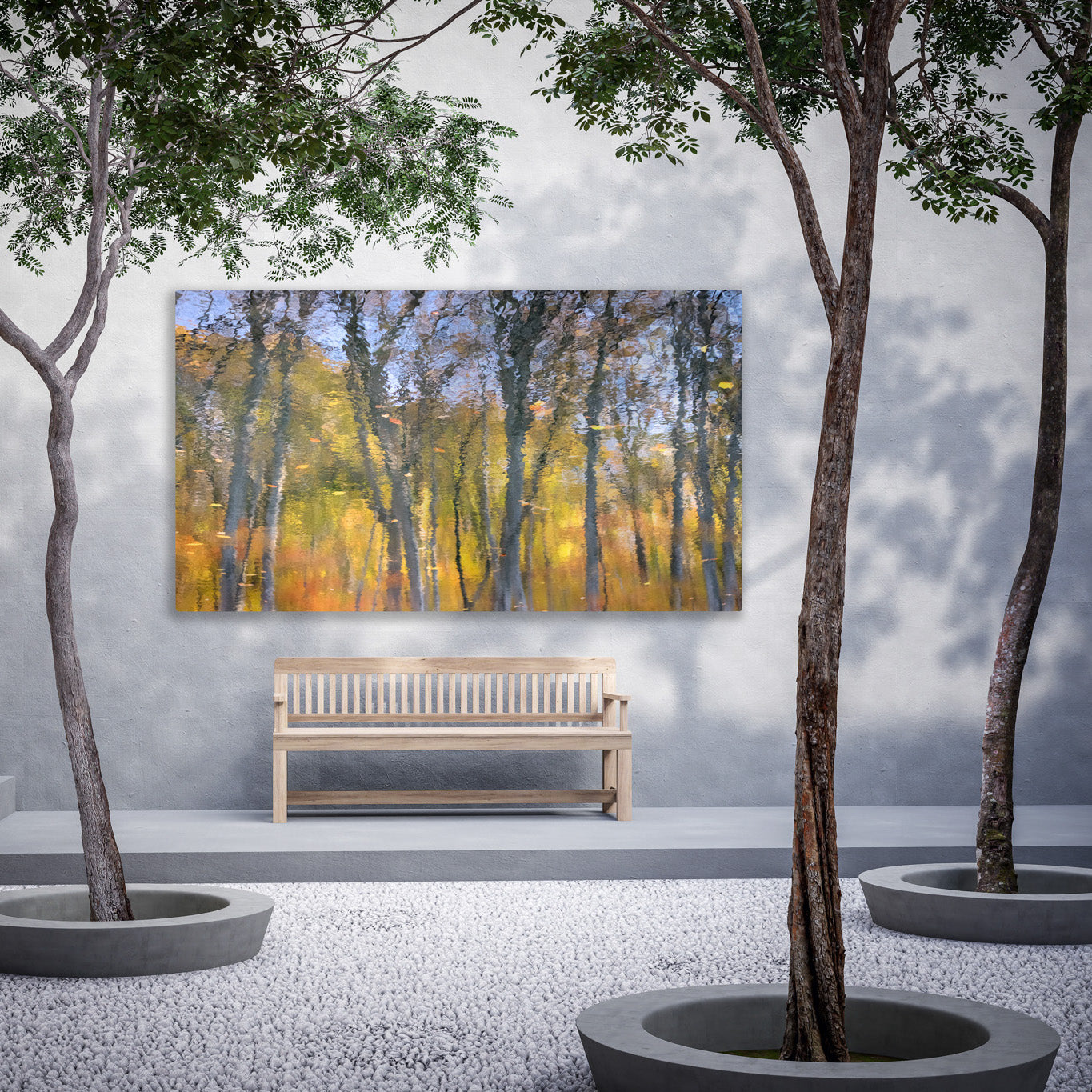
- Ultimate Application: In the realm of high-end art, "ChromaLuxe metal prints" take this technology to its extreme, infusing image depth into aluminum panels, creating a pressure-free, scratch and stain-resistant heirloom medium that can effortlessly withstand Taiwan's humid climate.
Can you imagine spilling coffee on a photo and still being able to wipe it clean?
Seeing is believing! We've directly recreated the most common mishaps of daily life. Through brutal extreme testing, we'll let you witness firsthand the differences in protective capabilities among top-tier output media:
- 1:30 Alcohol cleaning
- 3:12 Coffee spilled
- 4:18 Ice cream overturned
From Convenience Stores to Photo Labs: Analyzing the Technology Behind Taiwan's 5 Common Photo Printing Methods
Now that we've covered the theory, let's look at real life! What technology is behind the photos you get at your local store or photo lab? We've compiled the 5 most common channels in Taiwan for you:

| Common Acquisition Channel | Corresponding Output Technology | Weiss Sister's Professional Notes and Characteristic Analysis |
|---|---|---|
| 7-Eleven (ibon) | Laser Output (Toner Dots) | 【Most convenient for emergencies】Image quality has noticeable halftone dots, not suitable for strict official ID applications. In high temperature and humidity, toner photos in albums are prone to sticking. |
| FamilyMart / Carrefour (Photo Kiosk) |
Dye Sublimation Output (Commercial Small Machine) | 【Good quality for the price】Uses heat to vaporize dye, resulting in no halftone dots and a final transparent protective film. Has splash-proof properties, visually closest to traditional photos. |
| Traditional Photo Lab (Kodak/Fuji) |
Traditional Chemical Developing (Silver Halide Paper) | 【Classic authentic photos】Exposes files onto photosensitive paper, then develops with chemicals. Colors are saturated and layered, but the paper itself is very sensitive to light and moisture. |
| Large Format Printing Center | Commercial Inkjet (Oil-based/UV) | 【Focus on billboards and advertisements】Specializes in printing banners and exhibition backdrops. Waterproof, sun-proof, scratch-resistant, but since it's for distant viewing, resolution and color subtlety do not meet art archival standards. |
| Professional Output Center | Giclée (Water-based Pigment) | 【Archival art reproduction】Impeccable image quality, but paper is relatively delicate. In Taiwan's climate, it is recommended to pair with an acid-free frame and a dehumidifier for strict protection. |
Weiss Sister's "Material Selection Navigator"
If you're still dizzy after reading the explanations above, don't worry! Simply follow the navigator below based on your "final use" to find the most suitable answer:
Only solutionTraditional Photo Lab (Silver Halide Chemical Processing)
Analysis: Official agencies strictly require no printing dots.
Quick solutionTwo major convenience store chains (7-11 ibon / FamilyMart Photo Kiosk)
Analysis: If you need to print general paper documents, both major convenience stores can help you quickly. However, if you urgently need to print "photos," be sure to prioritize FamilyMart Photo Kiosks that use "dye-sublimation output." They have no halftone dots and come with a waterproof film, resulting in much better image quality than regular toner laser prints!
For these high-quality needs, ask yourself a critical question: "Are you concerned about Taiwan's humid weather?"
■Seeking the ultimate warm texture of cotton paper (and not afraid of meticulous care)
Look forProfessional Output Center (Giclée)
*Professional tip: In Taiwan's climate, it is recommended to pair with an acid-free frame and a 24-hour dehumidifier for strict protection.
■Worried about dampness and mildew, want a modern borderless feel without a frame
Best solutionWeiss Image (ChromaLuxe Metal Prints)
*Professional tip: Images are vaporized and infused into aluminum metal, offering the advantage of being free from optical brighteners (OBA-Free) and degradation concerns, making it the most reassuring high-end medium.
No matter which "paper" output you choose, you must face the challenges of Taiwan's humid and hot climate. Want to know how long these paper photos can last in Taiwan? How can you prevent mold and fading? Please continue reading our test report: "【Photo Preservation Guide】What to Do About Moldy and Faded Paper Photos? 8 Degradation Phenomena and Moisture-Proof Strategies".
Conclusion: Finding the Physical Archival Technology That Best Suits You
It turns out that the creation of a physical photo involves so many different nuances. When we understand the essence of these technologies, we can find the most secure home for every precious memory.
At Weiss Image, we have always deeply believed: "There is no best medium or technology, only the most suitable choice." If you seek the ultimate warm texture of paper, giclée is your undisputed choice; but if you want your images to be free from the constraints of glass frames, fearless of Taiwan's humid weather for long-term preservation, then "metal prints" created with high-end dye-sublimation technology will surely impress you.
References and Authoritative Sources
- IPI’s Guide to: Preservation of Digitally-Printed Images
- Photo Kiosk (HiTi sincerity Technology) Official Website: Product and Technical Specifications
- 7-Eleven ibon Convenient Life Station: Cloud Printing Service Notice
Image Output Frequently Asked Questions (FAQ)
Q1. If I print photos at convenience stores, will 7-11 and FamilyMart prints be the same?
They are completely different! 7-11 (ibon) uses "laser output," which produces fine toner dots and is suitable for documents, but photos are prone to sticking over time. FamilyMart's regular "Photo Kiosk" uses "dye-sublimation output," which has no dots and a transparent protective film on the surface, resulting in more delicate image quality and splash resistance, visually closer to real photos.
Q2. What is dye-sublimation technology? How is it different from general inkjet photo printing?
Traditional inkjet or laser printing "adheres" pigments to the paper surface, making them susceptible to water damage or scratches. Dye sublimation, on the other hand, uses high temperatures to vaporize solid pigments, which are then "infused" into the interior of a special receiving layer. Because the pigments are sealed inside, the printed works offer 100% waterproof and scratch-resistant protection.
Q3. I'm not sure which technology is suitable for printing my photos, what should I do?
No worries! This is precisely the value of professional image artisans. As long as your file has sufficient resolution, whether it's landscapes, portraits, or digital illustrations, you can use our "free image health check" service, and the Weiss Sister will personally assess the most suitable output medium for you!